
The short answer: a Thermador oven F code is the electronic control reporting a specific fault and cutting the heat to keep the oven safe. F1 codes point to the control or a stuck touchpad, F2 is an over-temperature runaway, F3 and F4 are the oven temperature sensor reading open or shorted, and F7 is usually a stuck relay or key. Try a power reset first. If the code comes right back, the part it names needs to be tested and, in most cases, replaced.
What Is Happening When an F Code Appears
Thermador wall ovens in the Masterpiece and Professional series run on an electronic control board that constantly watches the oven sensor, the relays that switch the heating elements, and the touchpad. When any of those readings falls outside a safe window, the control stops heating and posts an F code on the display. The code is not the problem itself, it is the control telling you which circuit tripped the fault so the failure can be found quickly.
One important caveat: the exact meaning of a given code varies by model and control generation. An F1 on one Masterpiece oven may read as F11 or F1x on another, and Professional series ovens can group codes differently. Always confirm the code against the tech sheet or owner manual for your specific model number before replacing a part.
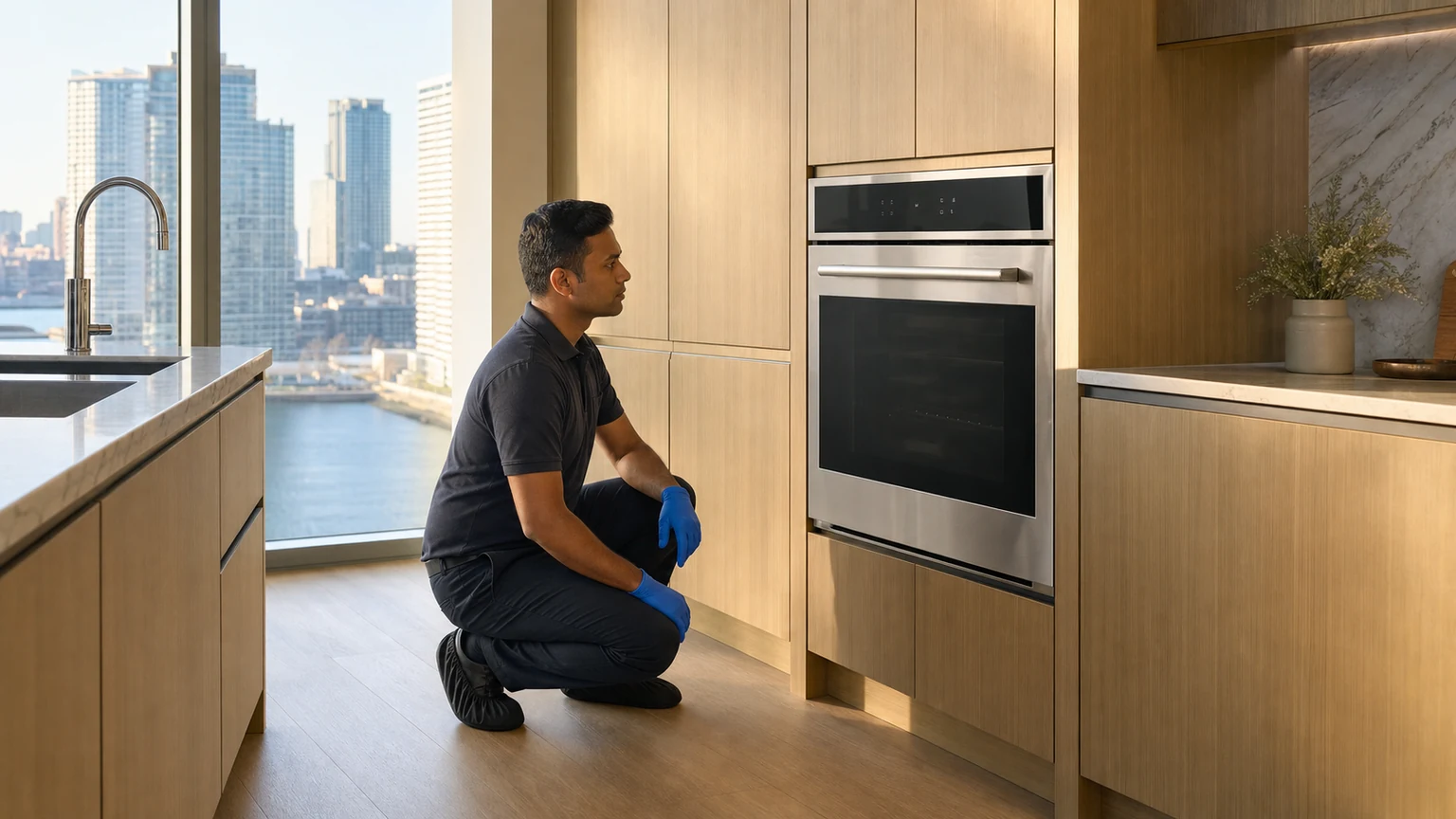
Common Thermador F Codes and What They Point To
| Code | System | What It Usually Means |
|---|---|---|
| F1 or F1x | Control / keypad | General control fault or a stuck touchpad key holding the control in error |
| F2 | Over-temperature | Oven ran hotter than allowed, a runaway from a stuck relay or a failing sensor |
| F3 | Oven sensor (RTD) | Temperature sensor reading open, so the control cannot trust the temperature |
| F4 | Oven sensor (RTD) | Temperature sensor reading shorted, another loss of a valid reading |
| F7 | Relay / control key | Stuck relay on the control or a control key fault the board cannot clear |
Unlike a symptom-only appliance, a Thermador oven hands you a starting point. The trade-off is that the codes are model specific, so the same two digits will not always mean the same thing across the lineup. Confirm the code, then test the part it names rather than swapping the board on the first fault.
How to Read and Reset a Code
Note the exact characters on the display, including any digits after the F. Then try a power reset: switch the oven off at the breaker for about five minutes and restore power. A one-time control glitch will clear and not return. A code tied to real hardware, such as an over-temperature or an open sensor, will reappear as soon as the control runs its self-check. If the oven simply will not heat at all rather than showing a code, our page on an oven that is not heating walks through the wider set of causes.
The Oven Sensor, Relays, and Control Board
The oven temperature sensor, or RTD probe, is a common culprit behind F2, F3, and F4. On most Thermador ovens it reads about 1080 ohms at 68 degrees. A reading far off that value, or an open or shorted probe, throws a sensor code and can also cause the runaway that trips F2. Stuck relays on the control or relay board keep an element powered when it should switch off, driving the over-temperature and F7 faults. On self-clean models the door lock and latch add another circuit that must be tested when a code appears during a clean cycle.
The exact code, including any trailing digits, is the fastest route to a correct diagnosis. Snap a photo of the display before you cut power, and note whether the fault appeared during baking, broiling, or self-clean. A code that shows only during self-clean points at the high-heat parts, the lock, relays, and sensor, while a code at idle points more at the control itself. That one detail tells the technician which circuit to test first.
What a Technician Checks
A proper Thermador oven diagnosis starts by confirming the code against the model tech sheet, since the meaning shifts by generation. The technician then measures the oven sensor resistance against its rated value, inspects the relay board for stuck or burned relays, and checks the touchpad and ribbon for a stuck key on F1 faults. Over-temperature and self-clean faults get the door lock and wiring tested as well. The control board is replaced only after the parts it monitors have been cleared, because a good board will keep posting the same code until the real fault is fixed.
When to Call a Technician
Try one power reset and note the code. Call for service when the code returns after the reset, when the oven overheats or will not hold temperature, when a sensor or relay code appears, or when a fault shows during self-clean. Sensor, relay, and control board work involves live 240-volt circuits and model-specific testing. Every repair we perform in Long Island City carries our Written warranty terms for eligible completed repairs. Diagnostic and travel fees, if applicable, are confirmed before the appointment and before repair approval.
Frequently Asked Questions
Can I Clear a Thermador Oven Fault Code Myself?
What Does an F3 or F4 Code Mean on a Thermador Oven?
Why Does My Thermador Oven Show a Code Before Self-Clean Finishes?
Related
Thermador Repair
Wall ovens, ranges, and cooktops serviced across Long Island City and New York City.
View brand → ProblemOven Not Heating
Why an oven stops heating and the checks that isolate the cause.
Read more → ServiceWall Oven Repair
Sensor, relay, and control board repair for luxury built-in wall ovens.
View service →